




Enhanced security for your peace of mind
Our security features help protect your financial information and transactions, so you can bank online with ease.
How to approve your transactions with BIMB Secure?
What type of transaction requires authentication through BIMB Secure?
- All transactions performed via BIMB Mobile and BIMB Web
- FPX transaction regardless any amount
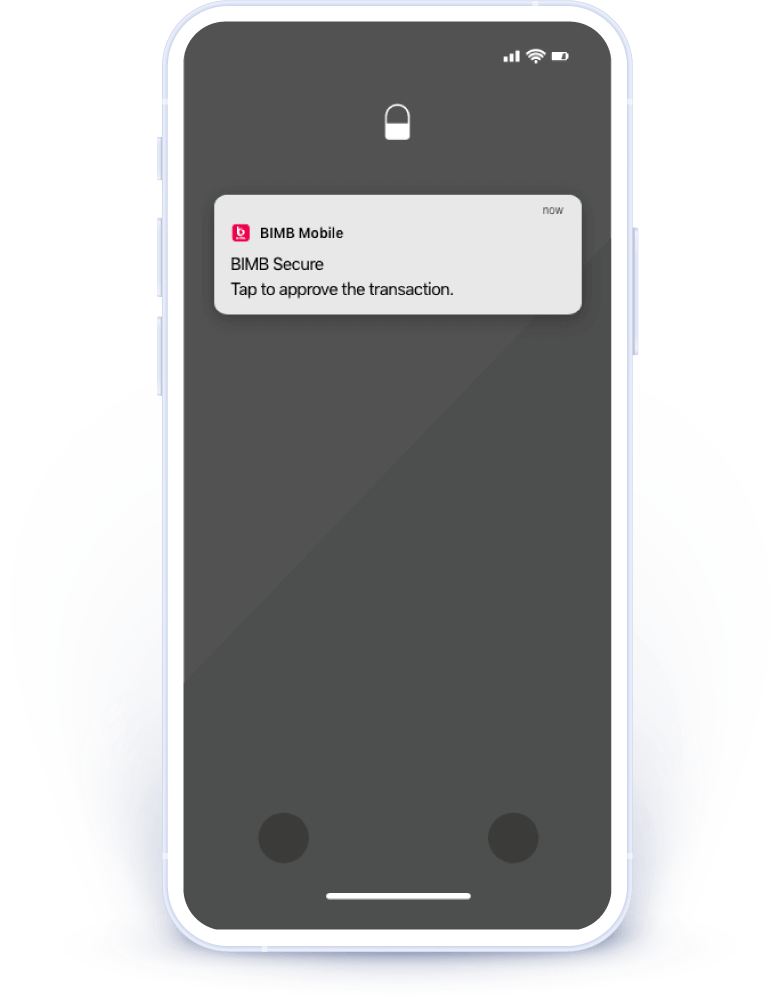
Step 1
For any BIMB Mobile or BIMB Web transaction that requires BIMB Secure authorisation, you’ll receive a push notification on your device
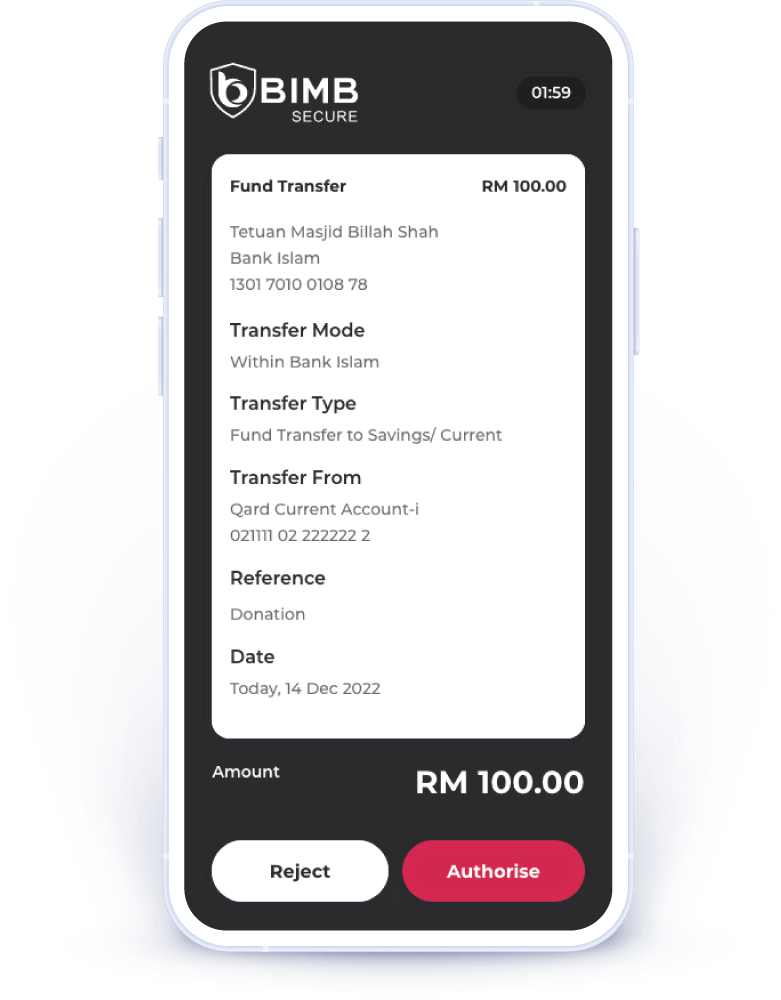
Step 2
Please verify that your transaction details are correct. If you did not request this transaction, reject it immediately.
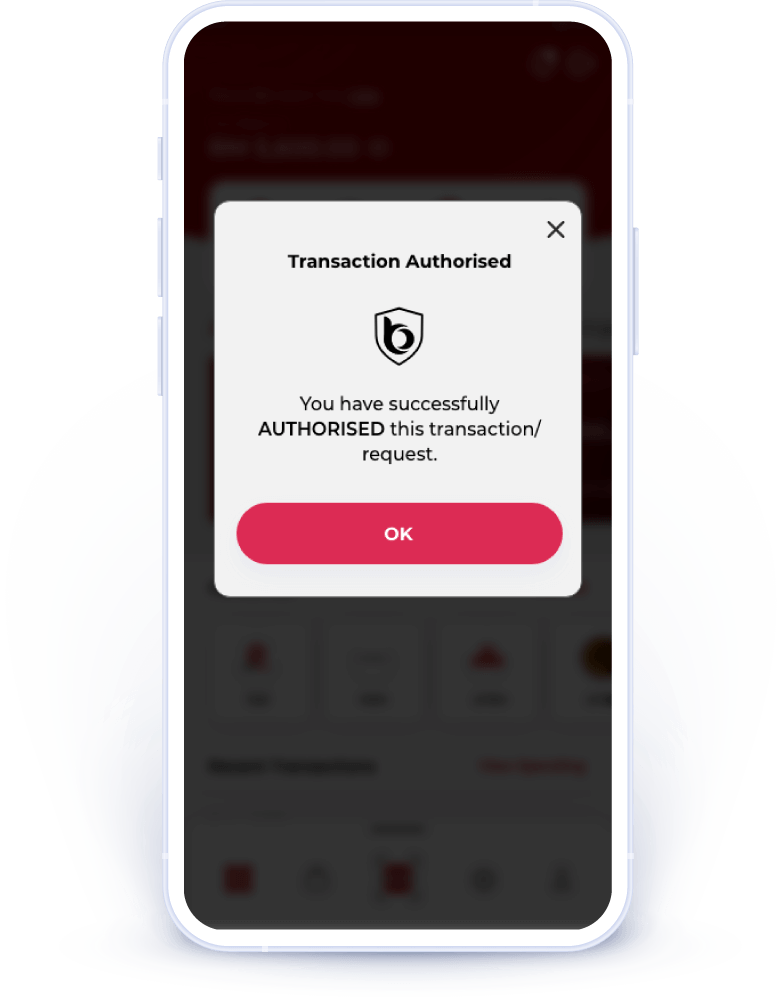
Step 3
You will see a confirmation message indicating that you have authorised this transaction. Please check your device to ensure the transaction is completed.
Frequently asked questions
⬤
What is BIMB Secure?
BIMB Secure is an authentication method to authorise transactions initiated from BIMB Web and BIMB Mobile.
⬤
How should I authorise the transaction that I have performed through BIMB Web via BIMB Mobile?
Perform the following steps for BIMB Secure:
- Launch BIMB Mobile.
- Select Quick Menu.
- Select BIMB Secure.
- Verify the transaction details.
- Once verified, select ‘Confirm’.
- Enter the six (6) digits of random number displayed on your mobile device screen.
- Authorization process is completed.
⬤
Do I need to register for BIMB Secure?
No. It will be activated automatically after your first-time setup of BIMB Mobile.
⬤
Can I perform transaction above RM10,000 via BIMB Mobile?
Yes, now you can perform transaction above RM10,000 via BIMB Mobile.