


BIMB Mobile & BIMB Web Now for Ages 12–17
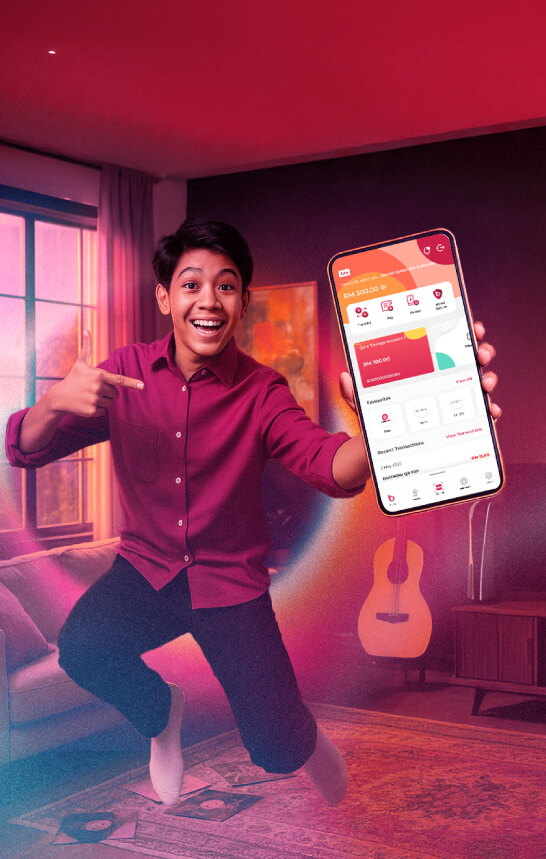
BIMB Mobile & BIMB Web Now for Ages 12–17
Eligibility criteria
Note
If you’ve previously signed the Indemnity Form for Bank Islam Debit Card-i, you will still need to visit the branch again for BIMB Mobile & BIMB Web Lite version access.
Start managing your money, your way

Funds Transfer

How to register?
Sign the Indemnity Form for BIMB Mobile/BIMB Web access.
Download the BIMB Mobile App or log on to BIMB Web.
Enter your bank account or debit card number and complete the details required
Activate online access:
- If you have a Debit Card-i: Activate via ATM
- If you don’t have a Debit Card-i: Activate at the branch
Wait for the 12-hour cooling-off period to complete.
Transaction Limits
For your security, BIMB Mobile & BIMB Web Lite have a combined daily transaction limit of RM300, which covers:
- Fund transfers
- Bill payments
- Other monetary activities
Frequently asked questions
- Customers aged 12–17 years old.
- Must hold an active individual Bank Islam Savings Account.
- Registration must be done in the presence of a parent or legal guardian.
Before you can register for BIMB Mobile and Web access, you must:
- Have an active individual savings account with Bank Islam.
- Visit any Bank Islam branch with your parent/guardian to complete and sign the Letter of Indemnity by Parent/Guardian. Please also bring:
- Parent/guardian's identification document.
- Your identification document, and either your birth certificate or other legal documents to prove the relationship.
Once the process at the branch is successfully completed, you may proceed to register for BIMB Mobile and Web access. The steps for Youth / BIMB Lite users are similar to those for other customers. For full guidance, please refer to: https://bimb.com/how-to-use/
- Own Transfers (to own Bank Islam accounts)
- Transfers to Others (Bank Islam, DuitNow, IBG)
- DuitNow QR payments
- Prepaid reloads
- Quick Transfer
- FPX & DuitNow Online Banking & Wallet
- E-Sadaqah / Wakaf
Once you turned 18, you’ll receive a push notification and an email to let you know your account has been updated. Your segment will automatically change from “Youth” to “Normal”.
When you log in, you’ll see the regular dashboard, and your daily limits will follow the standard adult limits. You can continue using the same BIMB Mobile app or website without reinstalling anything.
If you encountered error, for instant assistance, connect with Chatbot Adam at www.bimb.com. You can also call our Contact Center at 03 2690 0900 or email us at contactcenter@bankislam.com.my for assistance. Alternatively, you may visit any Bank Islam branch for support.