



Open Your Bank Islam Account Online.
Easy, Fast, and Secure.
Get an account instantly without coming to the bank

Quick Online Account Opening

Debit Card-i will be delivered to you.**
New account is created instantly
**For existing customers, Debit Card-i will be delivered to you. At this time, new customers need to collect the Debit Card-i from the preferred branch

Experience the convenience of banking with Bank Islam by opening your account online. With just a few clicks, you can start your banking journey with us, anytime, anywhere. Whether you’re looking to save, invest, or manage your day-to-day finances, Bank Islam offers a range of accounts to suit your needs.
Step-by-Step Guide to Open an Account Online
Scan the QR code to download BIMB Mobile app

Start
Step 1
Key-in your phone number for TAC
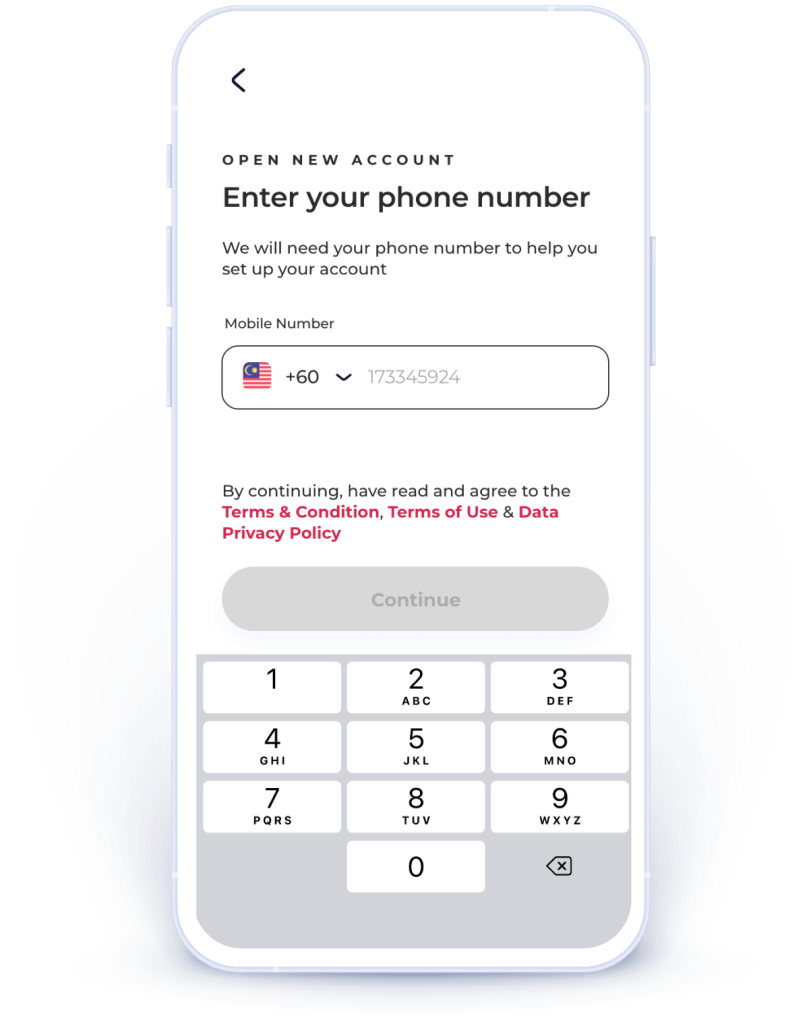
Step 2
Select your preferred account
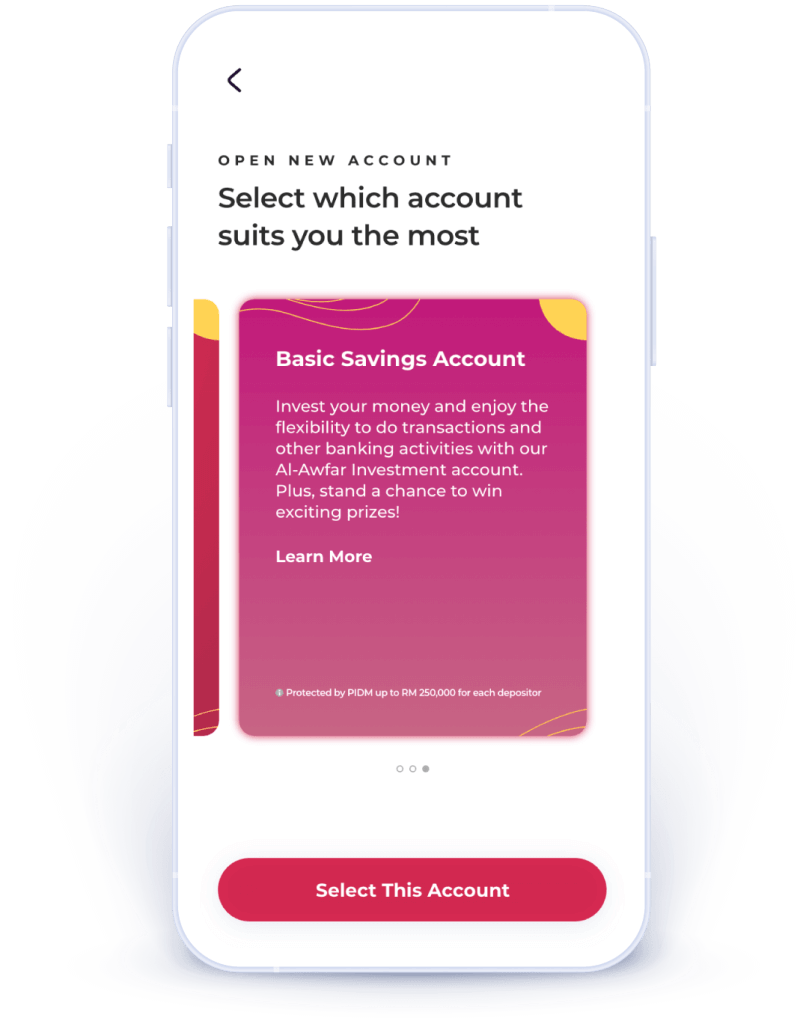
Step 3
Take pictures of your MyKad (both sides) and a selfie
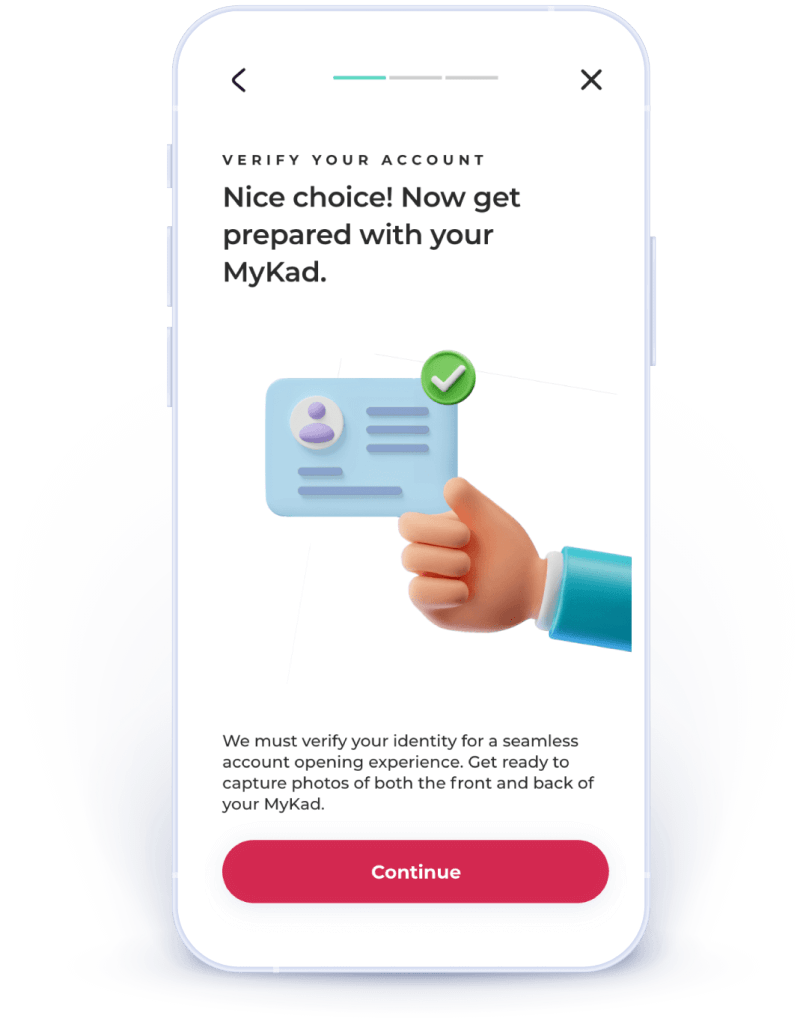
Step 4
Enter the
required info
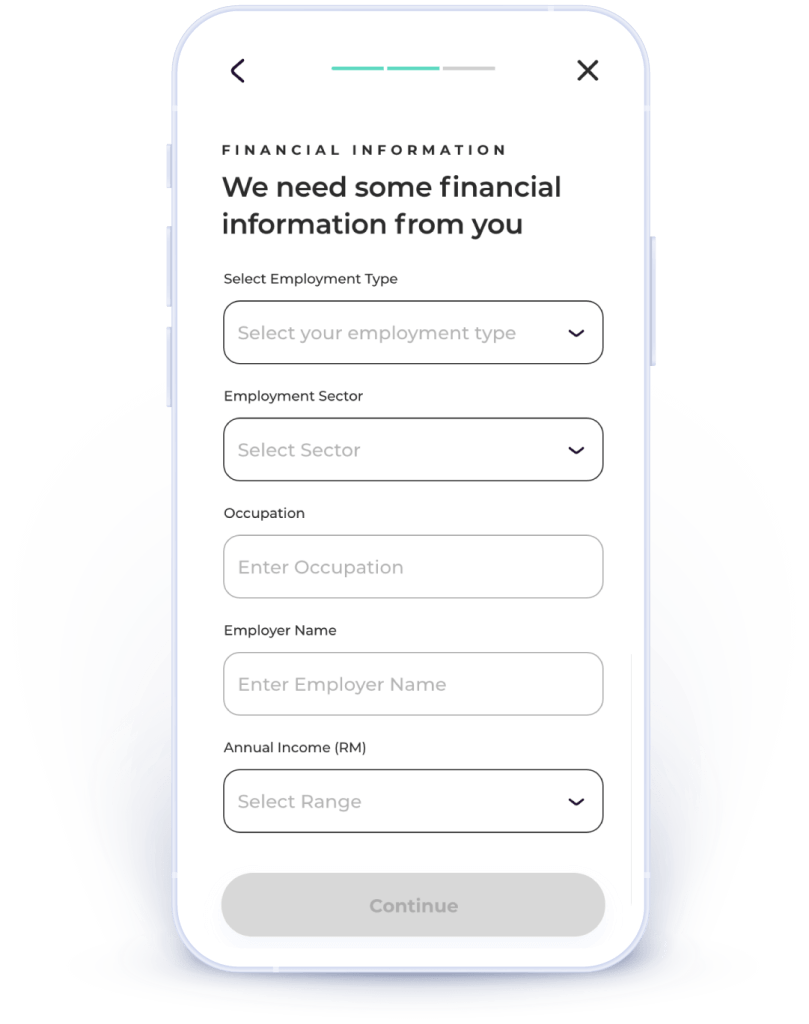
Step 5
Perform initial deposit from other banks (via FPX)
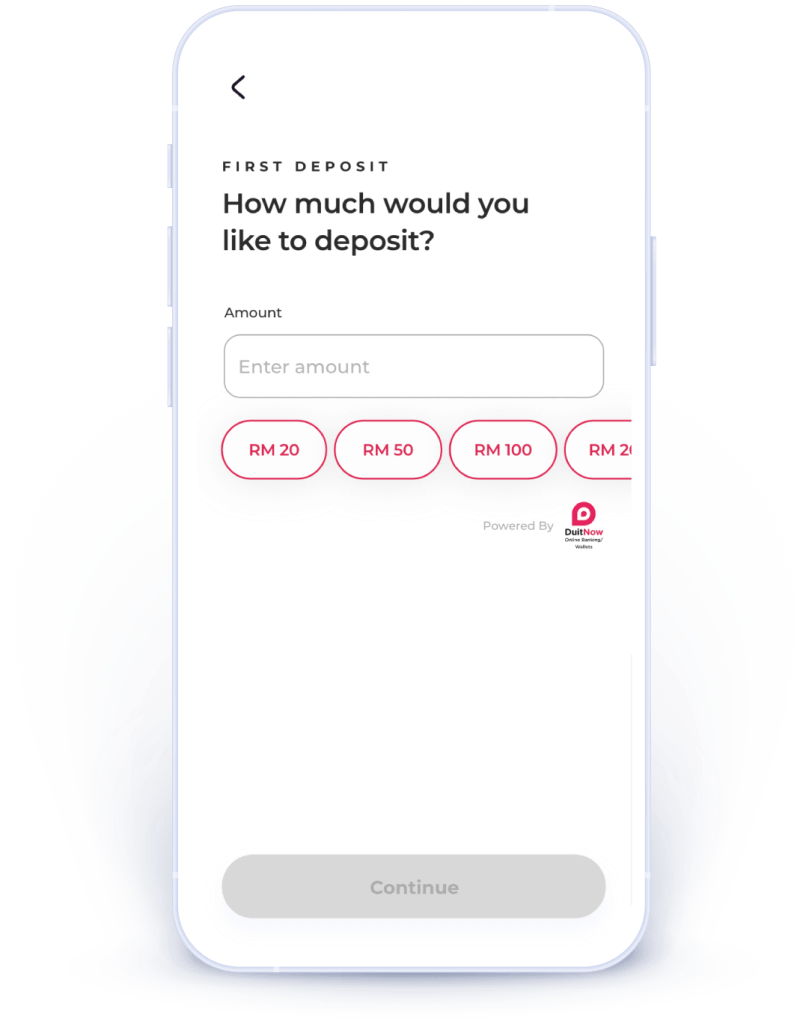
That’s all!
Proceed to register for BIMB Mobile & BIMB Web. Your BIMB Mobile & BIMB Web are now ready viewing*.
*You need to wait for 12-hour cooling-off period prior to performing any monetary transaction. Click here to find out why.
Which account suits me best?
Click on any of the items below to explore.

I want to win
a big prize!
a big prize!
I just want a normal account

I want an investment account with a high profit rate